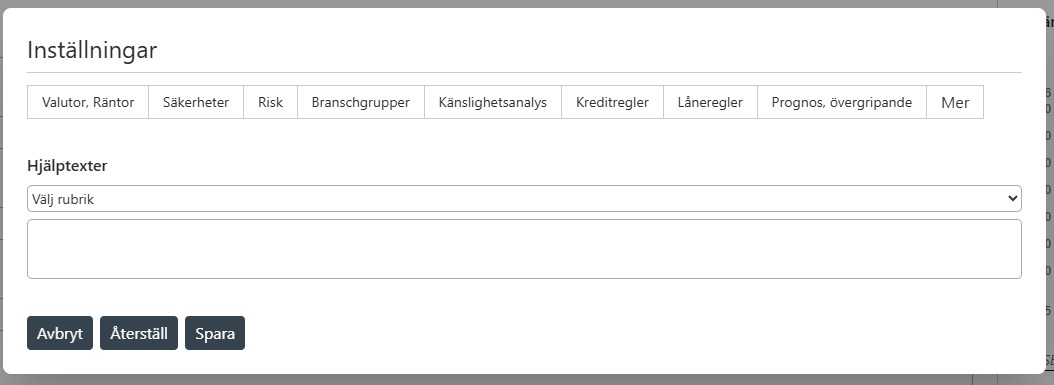
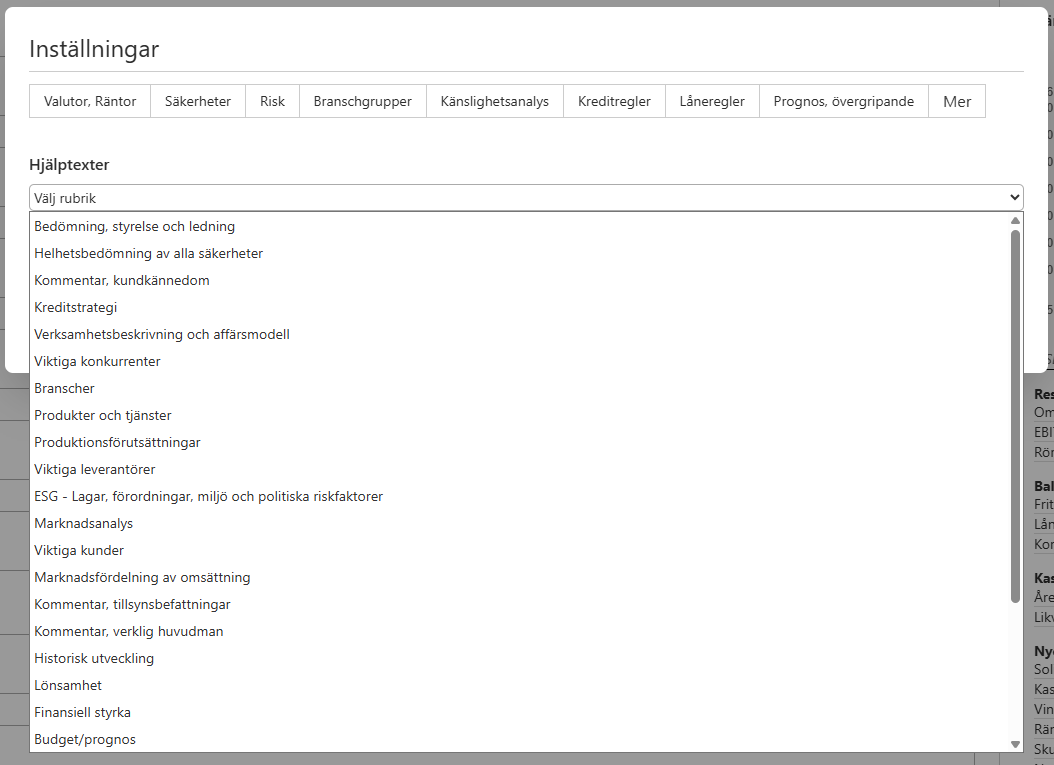
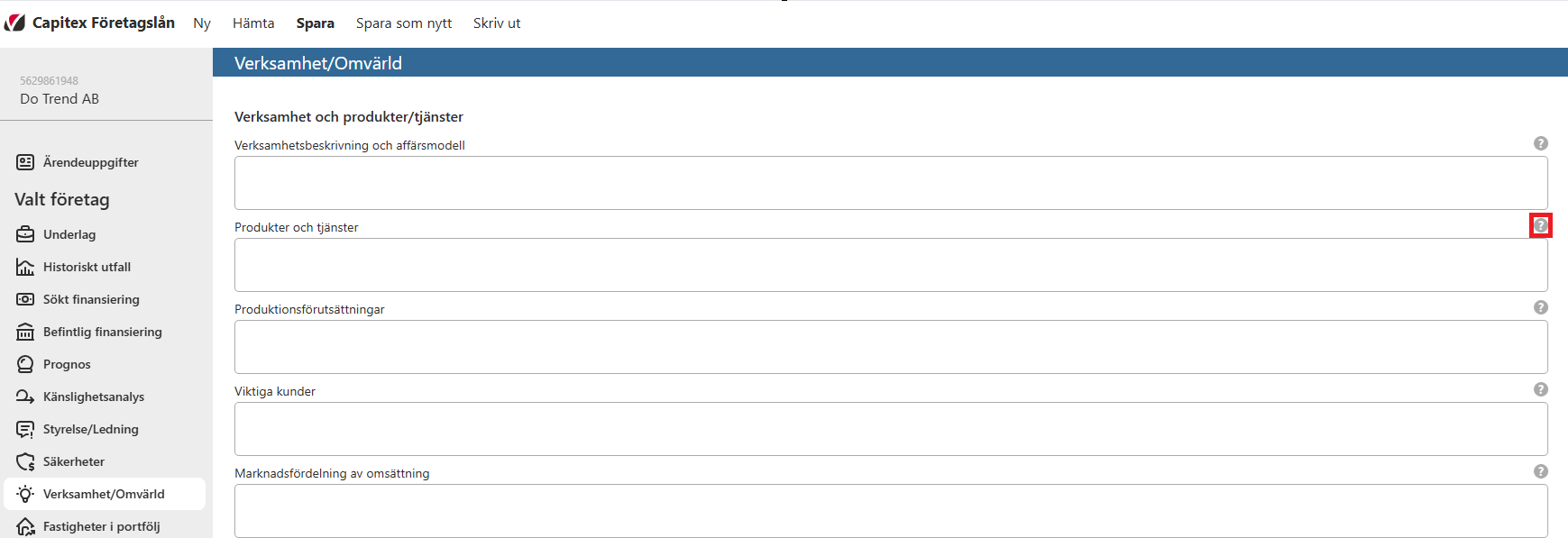
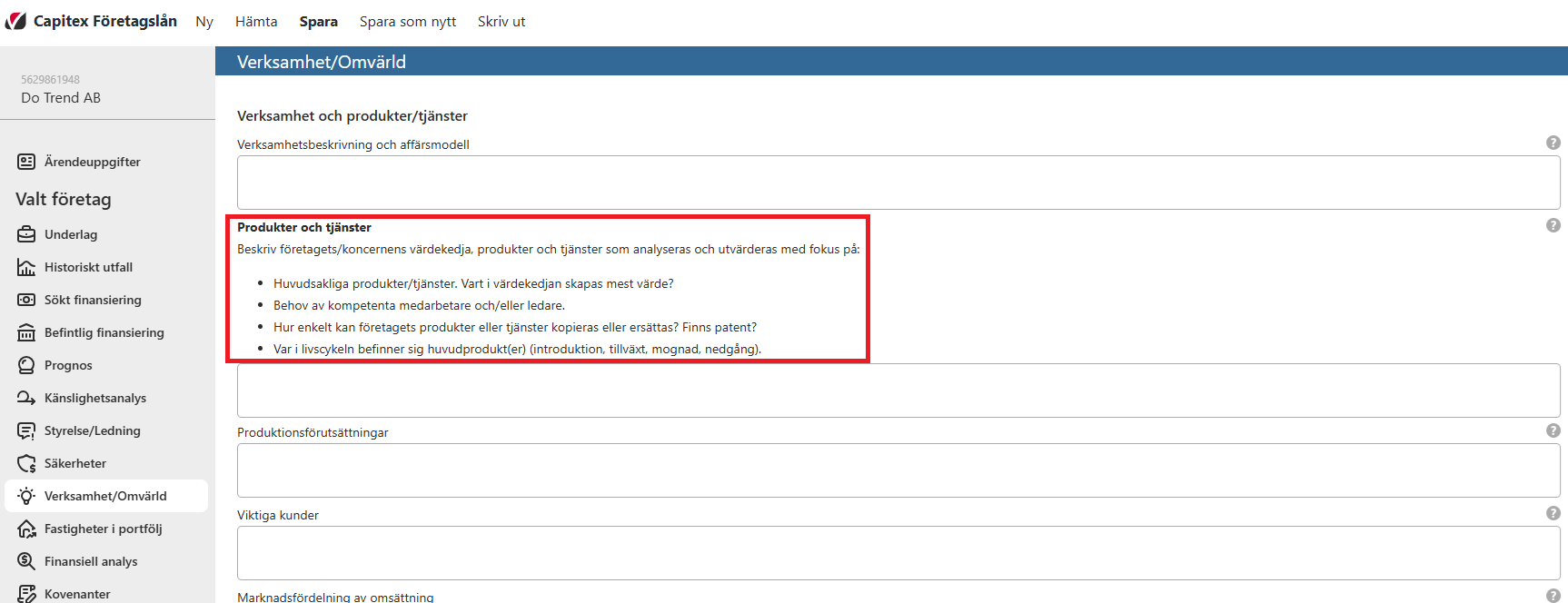
In these settings it is possible to add custom help texts to each textbox in the application. Once a help text has been added for a textbox, it will become possible to click on the “?”-icon next to the textbox, which will then display the help text. Typically, a bank will use help texts to let the user know what information is expected to be provided in a particular textbox.
Clicking on the “?”-icon again will collapse the help text.
Images