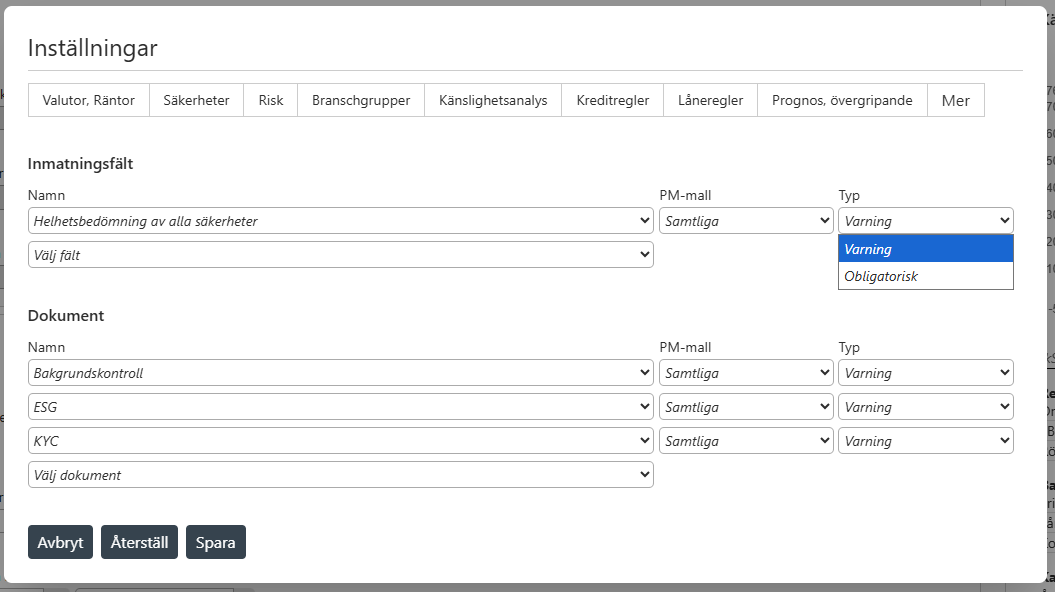
In these settings it is possible to select certain fields or documents that are deemed important. For each selected field or document, it is possible to choose between two types:
“Varning” / “Warning“ - If the associated field is empty or the associated document hasn’t been uploaded, a warning will be generated under the “Varningar” / “Warnings” page.
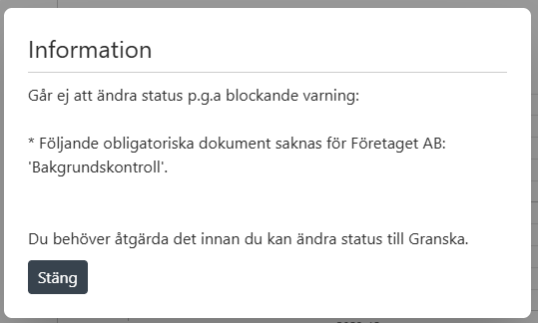
“Obligatorisk” / “Mandatory” - If the associated field is empty or the associated document hasn’t been uploaded, a pop-up will appear when trying to change the status of the case, preventing the user from proceeding.
It is also possible to choose which PM-templates these rules should apply to.
Images