Add
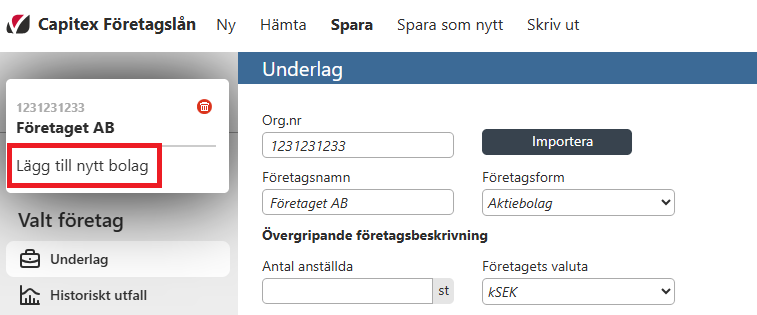
To add another company to the case, simply hover your mouse over the current company’s name in the top left corner of the application, and click on “Lägg till nytt bolag / Add new company”.
Remove
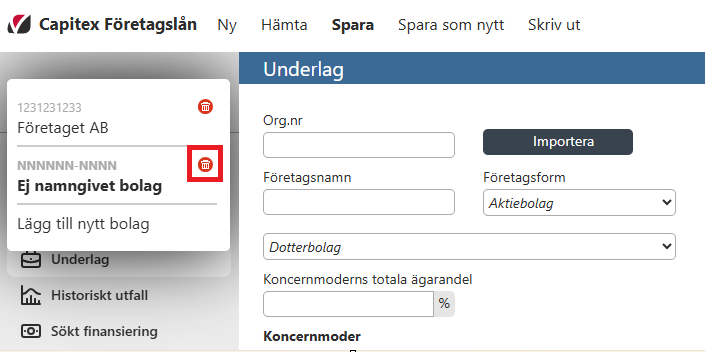
To remove a company from the case, hover your mouse over the current company’s name again and click on the red trashcan icon. You will then recieve a prompt which will ask you if you are sure you want to remove the company, click “Ok” if you want to proceed, and “Cancel” if you want to cancel the removal.